Newsletter
Join the Community
Subscribe to our newsletter for the latest news and updates

Get the timestamped transcript of any YouTube video in about a second, with exports, AI summaries, a browser extension, an API and an MCP server.
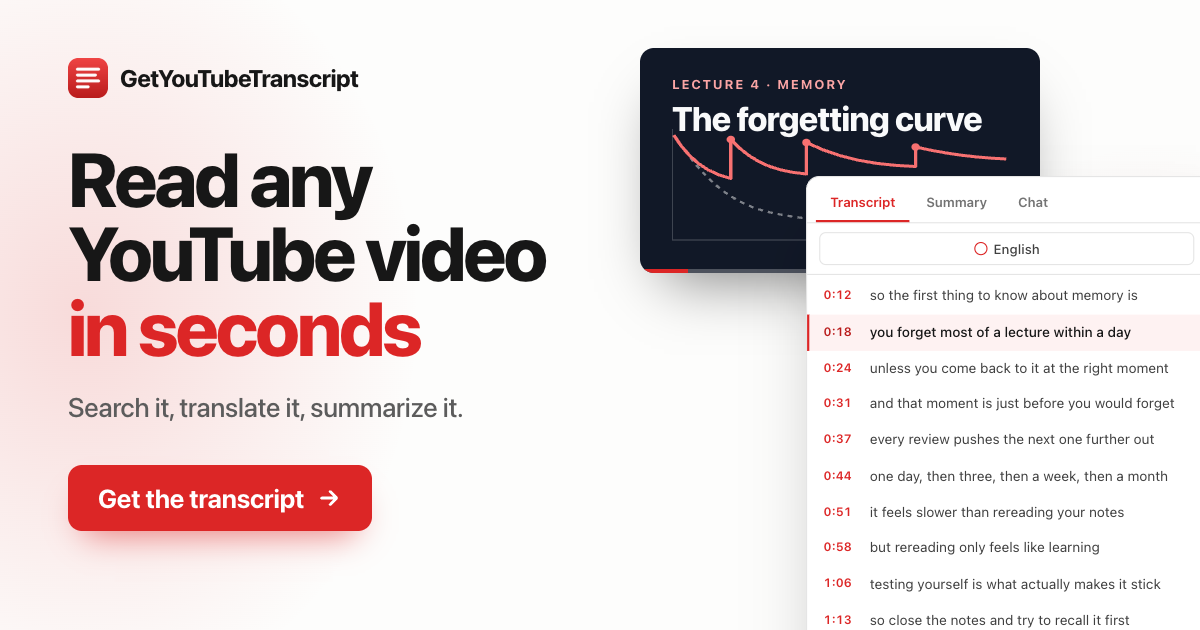
Overview GetYouTubeTranscript turns any YouTube video, Short or live replay into a clean, readable transcript with timestamps. It reads the caption tracks the video already has, so the transcript usually appears in about a second, whether the video is two minutes or three hours long. Paste a watch link, a youtu.be link or a plain video ID and the full text is ready to copy, search or download.
Key Features
Use Cases Students and researchers turn lectures, talks and interviews into searchable notes and quotes. Creators and podcasters repurpose videos into blog posts, newsletters and show notes. Marketers review competitor videos and webinars quickly. Journalists pull exact quotes with timestamps. Developers feed YouTube content into their own apps, automations and AI agents through the API, the MCP server, the Python and Node.js SDKs, or no-code tools such as Zapier, Make and n8n.
Getting Started Open the website, paste a YouTube link and press enter. The transcript appears on the page with timestamps. Create a free account to download files, use the AI features and get an API key. To use it inside YouTube, install the browser extension and open any video. To connect an AI agent, add the MCP server URL to your client.
Pricing and Plans New accounts get 100 free credits. Paid plans start at $5 a month for 1,000 credits, or $54 a year, and larger plans are available for heavier API use. Credits are shared across the website, the extension, the API and the MCP server, and failed requests are not charged.